Switch Module
Within a course, you can switch to a different module at any time.
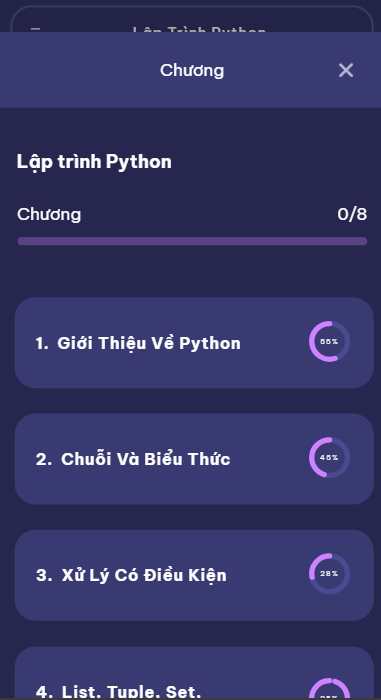
The Switch Module page shows all modules available in your current course — simply select the one you want to continue with.
How It Works
-
Open the Switch Module page inside your active course.
-
Browse the list of available modules.
-
Tap on the module you want to switch to.
-
Confirm your choice → the selected module becomes your active learning focus.
Example: Available Modules (Python Basics Course)
Switch Module Example
# Choose a Module

- **Introduction to Variables**
- **Data Types & Operators**
- **Control Flow (if/else)**
- **Loops (for/while)**
- **Functions**
- **Mini Project: Calculator**