Community & News
The Community & News page in Simzy is where learners connect, share ideas, and stay updated with the latest announcements.
Here, you can post content, interact with others, and build a vibrant learning community.



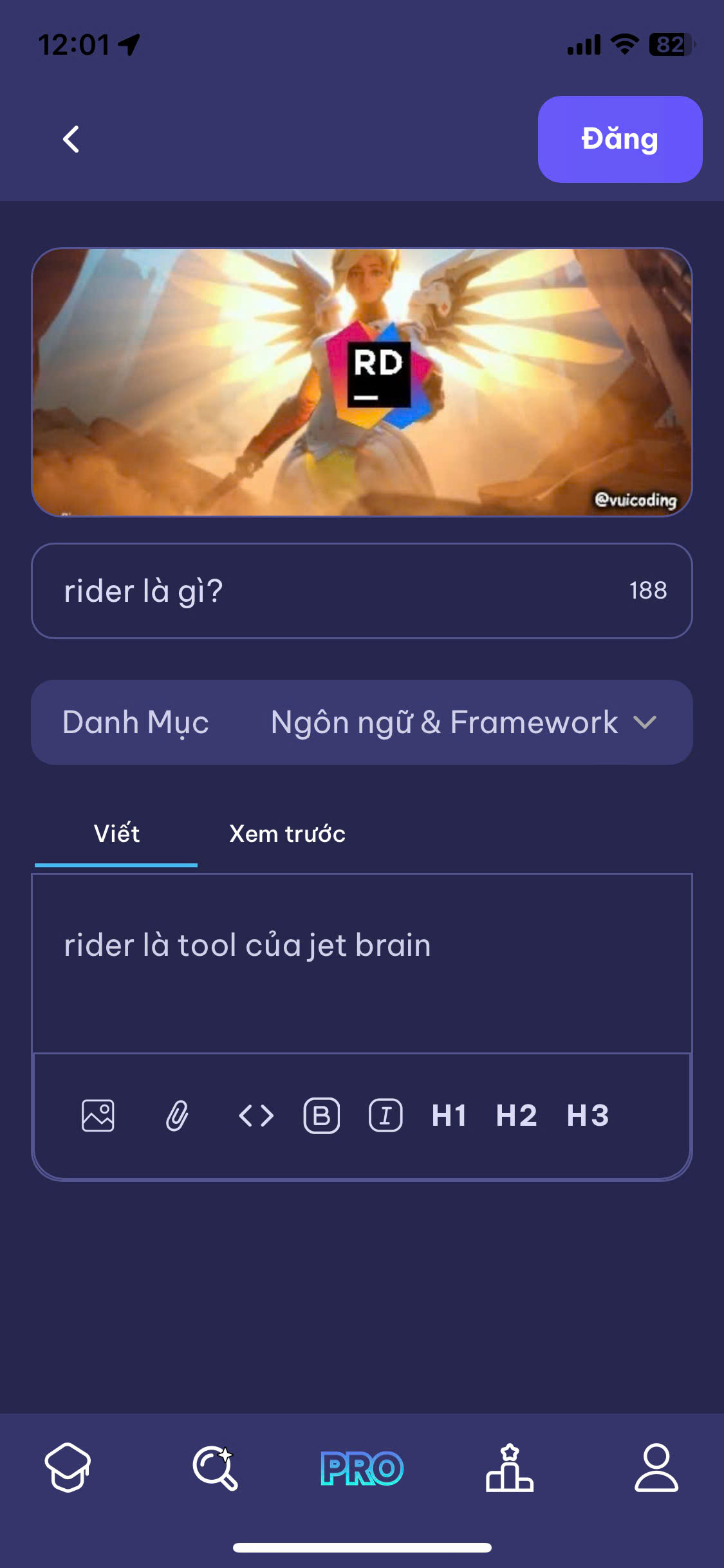
What Can You Do?
On the Community & News page, you can:
- Add a Post → share ideas, tips, questions, or progress updates
- Edit a Post → update or fix something you’ve shared
- Delete a Post → remove your content if it’s no longer relevant
- Like a Post → show support or agreement
- Comment on a Post → engage in discussions
Add a Post
- Go to Community & News.
- Click New Post.
- Enter your title and content.
- Add images or links (optional).
- Click Publish to share with the community.
Example Post
# My First Project

I just finished my **Web Development Intro Project**!
It was fun building my first responsive website 🌐✨.

Any tips for improving CSS layouts?